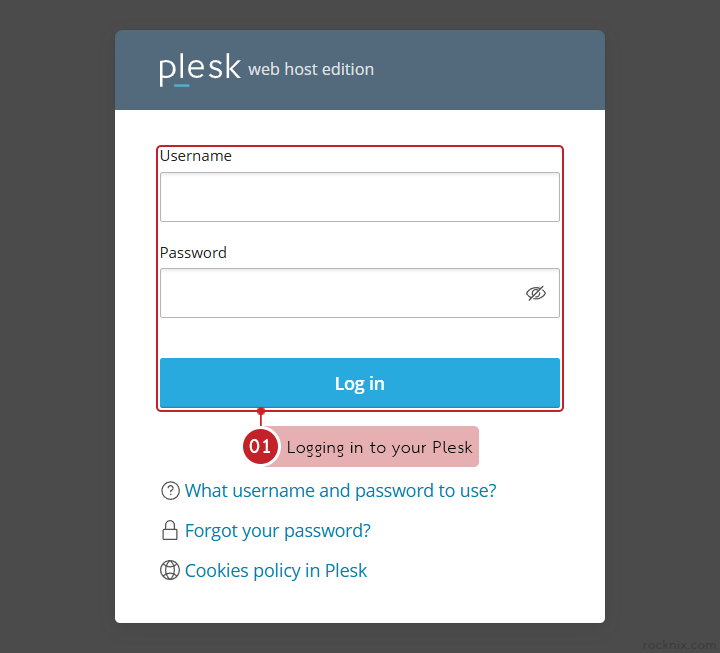
Keeping your Plesk password up to date is a simple but important way to protect your hosting account. If you want to change the password you use to sign in to Plesk, you can do it directly from your account settings in just a few steps.

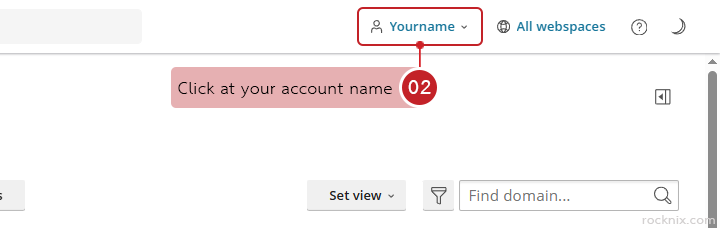
Click at your account name in the top-right corner of the Plesk dashboard.

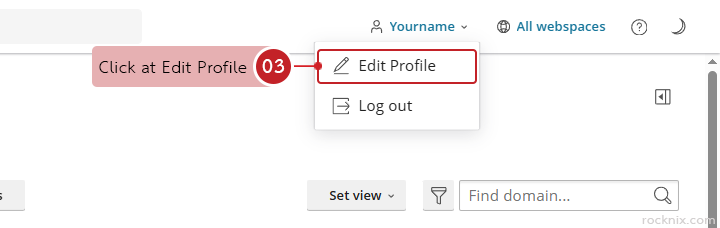
Click at Edit Profile

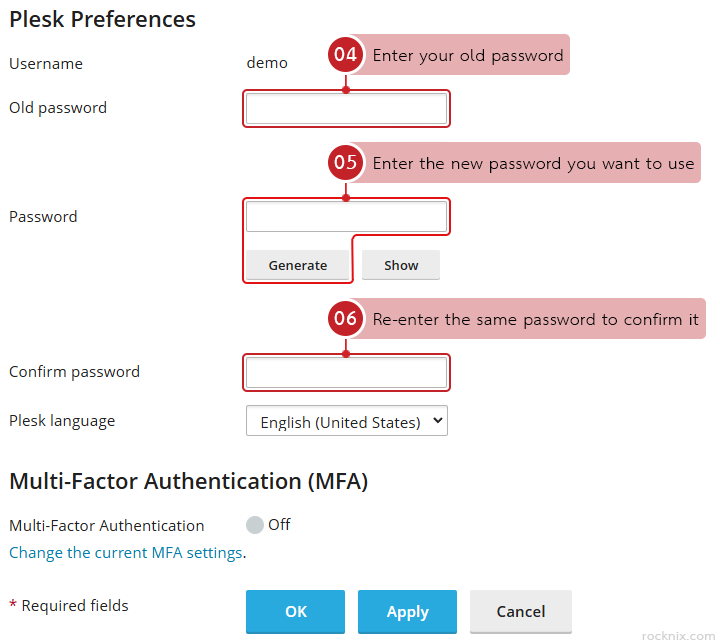
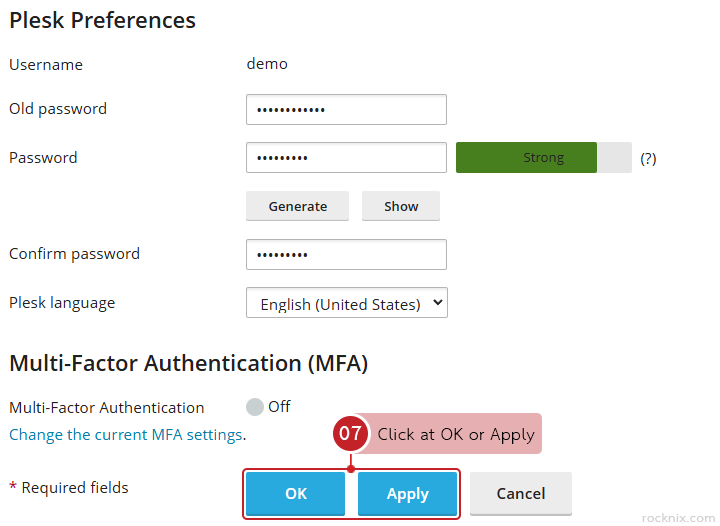
In the password section, fill in the following fields:

  • Old password: Enter your old password.
  • Password: Enter the new password you want to use.
  • Confirm password: Re-enter the same password to confirm it.

Click at OK or Apply to save the changes.

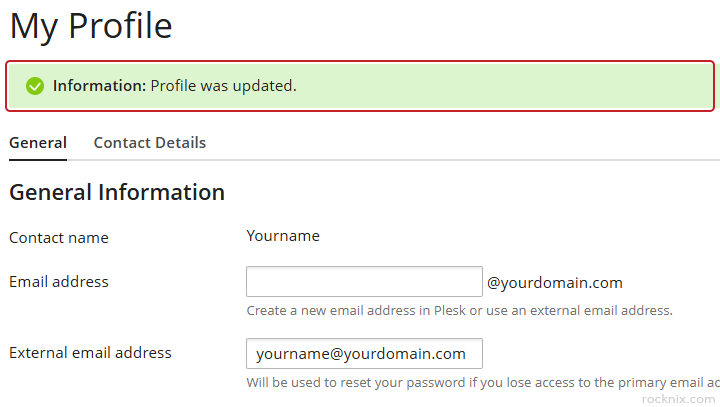
Plesk will confirm that your profile information has been updated.

If you’re looking for secure and easy-to-manage hosting, you can explore available plans to find one that fits your website.

👉 https://www.rocknix.com/web-hosting