

Choosing the right PHP handler in Plesk can make a noticeable difference to your website’s speed, stability, and overall performance. A suitable PHP execution mode helps your site respond faster, handle traffic more efficiently, and reduce issues caused by resource limitations. In this guide, you’ll learn how to change the PHP handler in Plesk and understand which option is best for your website.
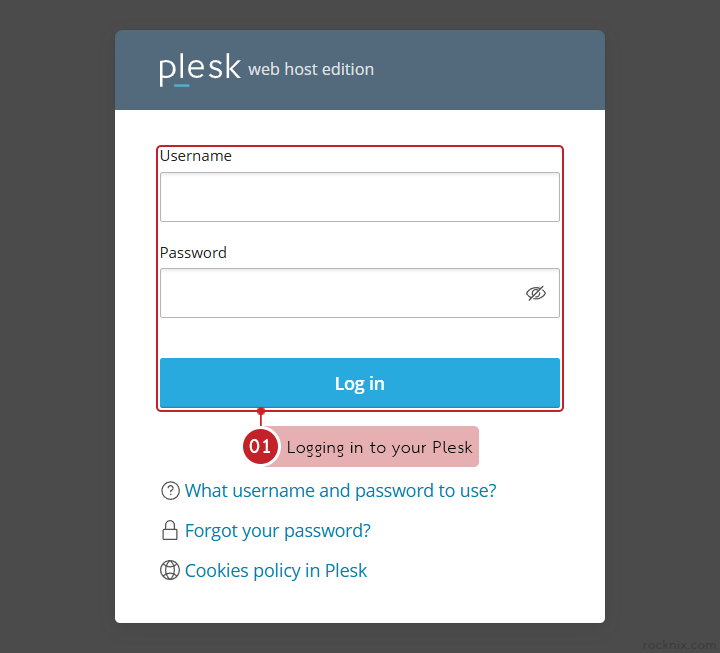
Start by logging in to your Plesk control panel.
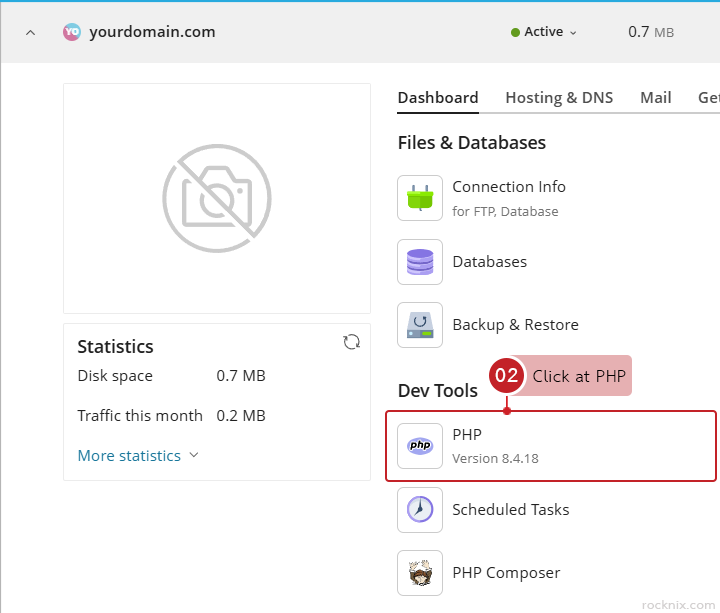
In the Dev Tools section, click at PHP.
Choose the PHP handler you want to use at run PHP as.
Plesk provides several PHP handler modes. Each one is designed for different use cases, depending on your website’s age, traffic level, and performance requirements.
FastCGI application served by Apache
This is a more traditional PHP execution mode. It is stable, but its performance is generally lower than newer options. It is best suited for older websites that have compatibility limitations or legacy system requirements.
FPM application served by Apache
This option uses PHP-FPM together with Apache. It offers a good balance of performance and stability, making it a reliable choice for most standard websites, including WordPress sites.
FPM application served by nginx
This mode uses nginx to help process requests, which can improve speed in many situations. It is a strong choice for websites that need better performance or expect a higher number of visitors.
Dedicated FPM application served by Apache
This option separates PHP processes specifically for one website. That helps improve stability and reduces the impact of other websites running on the same server. It is recommended for websites hosted on a server with multiple sites or for projects that need extra stability.
Dedicated FPM application served by nginx
This handler combines isolated PHP processes with nginx processing. It provides both high speed and high stability, making it ideal for high-traffic or resource-intensive websites.

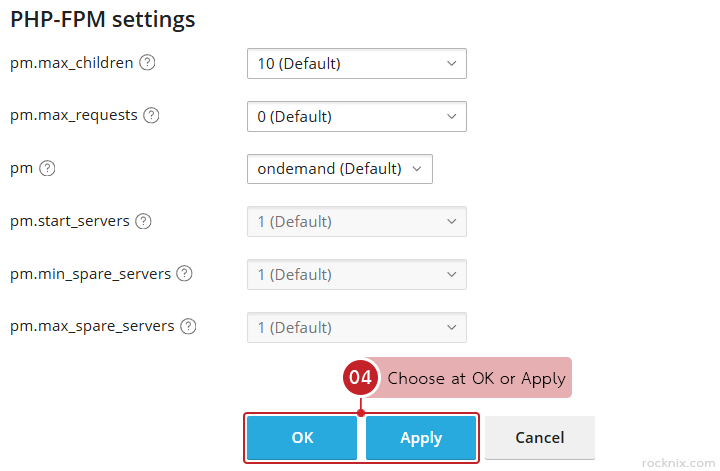
Click at OK or Apply to save the changes.
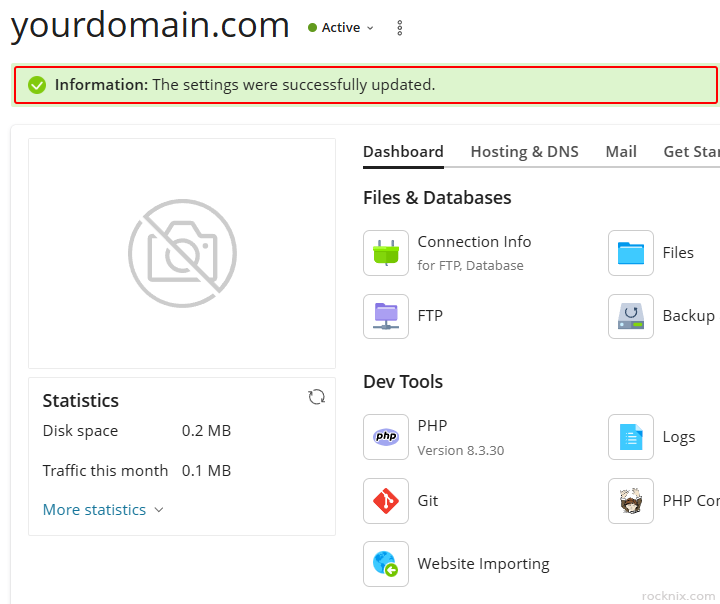
Plesk will confirm that the PHP handler for the selected website has been updated successfully.
A simple way to decide is to match the handler to your website’s typical workload:
- For general use, choose FPM application served by Apache.
- If you want more speed, choose FPM application served by nginx.
- For high-load websites, choose Dedicated FPM.
- For very old websites, choose FastCGI.
After changing the PHP handler, you should test your website carefully to make sure everything still works as expected. Different handlers may affect compatibility, performance, or resource usage.
Keep these points in mind:
- Always test your website after changing the PHP handler.
- Dedicated FPM uses more server resources than shared handler options.
- If your website has issues after the change, try switching to another handler for testing tCGI.
If you’re looking for secure and easy-to-manage hosting, you can explore available plans to find one that fits your website.