Automatic backups in Plesk are useful for keeping your website data protected, but there may be times when you need to pause them temporarily. For example, you might be restructuring your website, changing how data is managed, or simply reviewing your backup strategy. In these cases, Plesk allows you to disable the scheduled backup task in just a few steps.
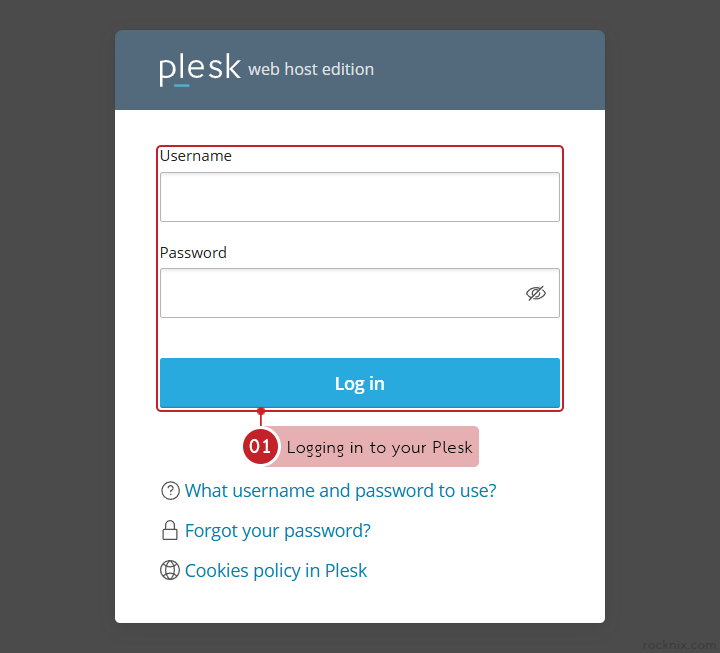
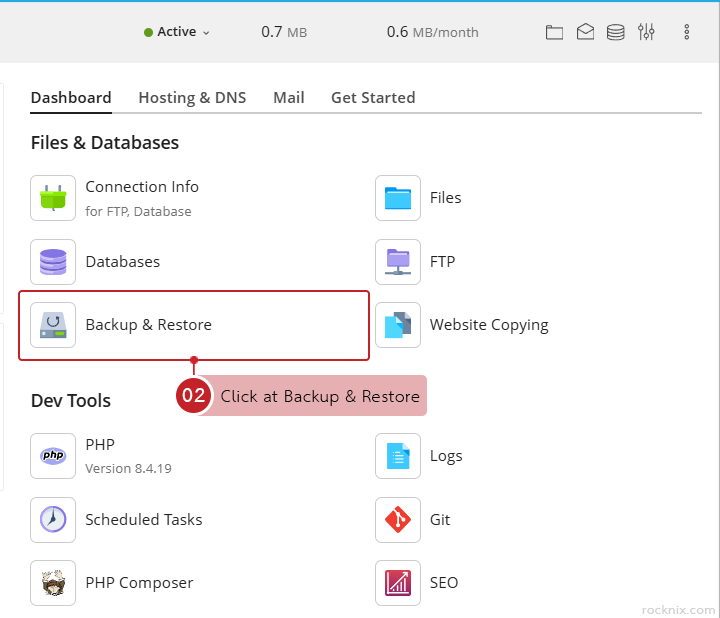
In the domain where you want to disable automatic backups, go to Files & Databases and click at Backup & Restore.

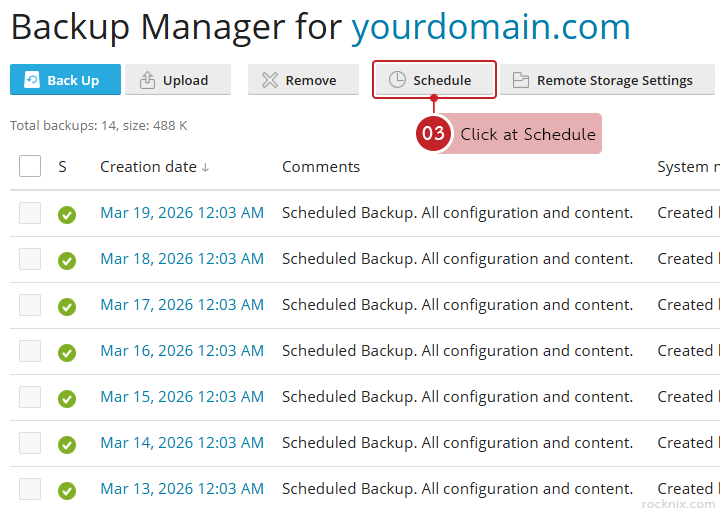
Inside the backup section, click at Schedule to open the automatic backup settings.

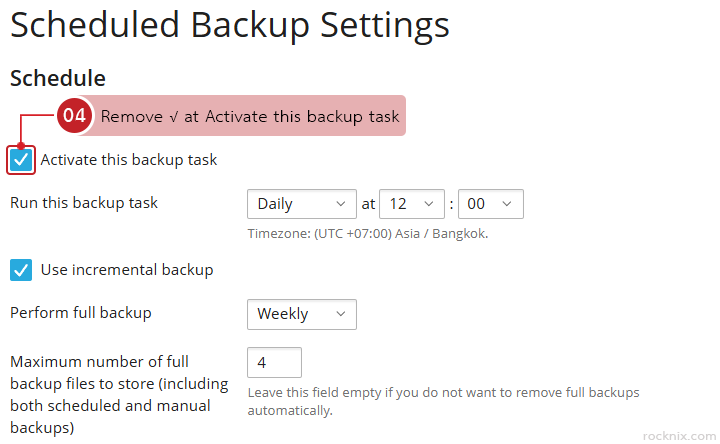
Remove √ at Activate this backup task.

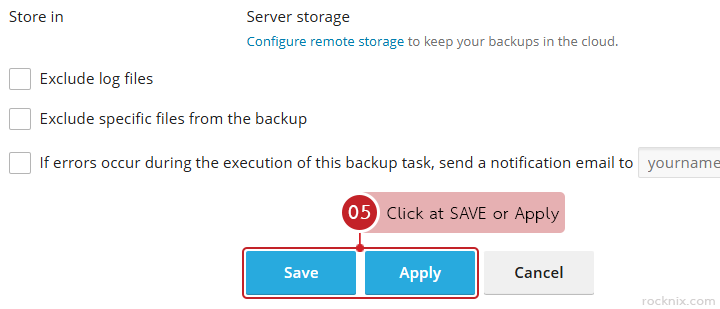
Click at OK or Apply to save the changes.

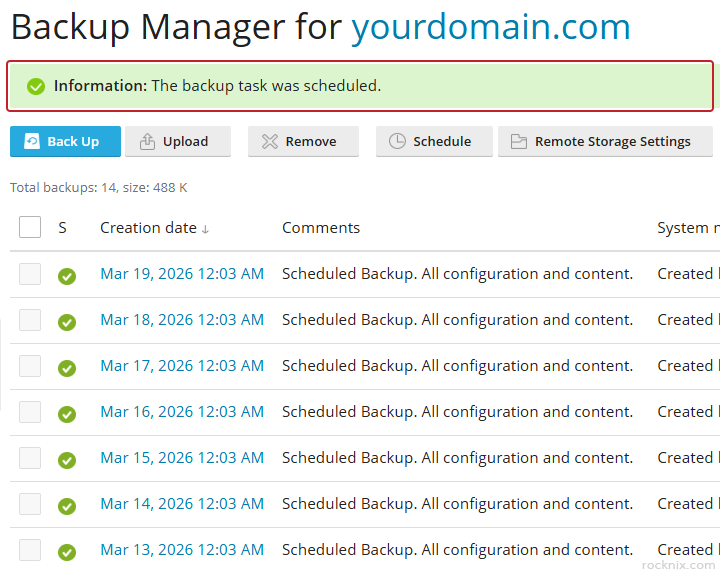
Once this setting is turned off, Plesk will stop creating backups automatically for that scheduled task.

Looking for secure and easy-to-manage web hosting? Explore our hosting plans and choose the package that fits your website best.

👉 https://www.rocknix.com/web-hosting